 Ubichill

自分で持てる
ワールドも mod も URL。置き場所は自分で決める。
ワールドも mod も URL。置き場所は自分で決める。
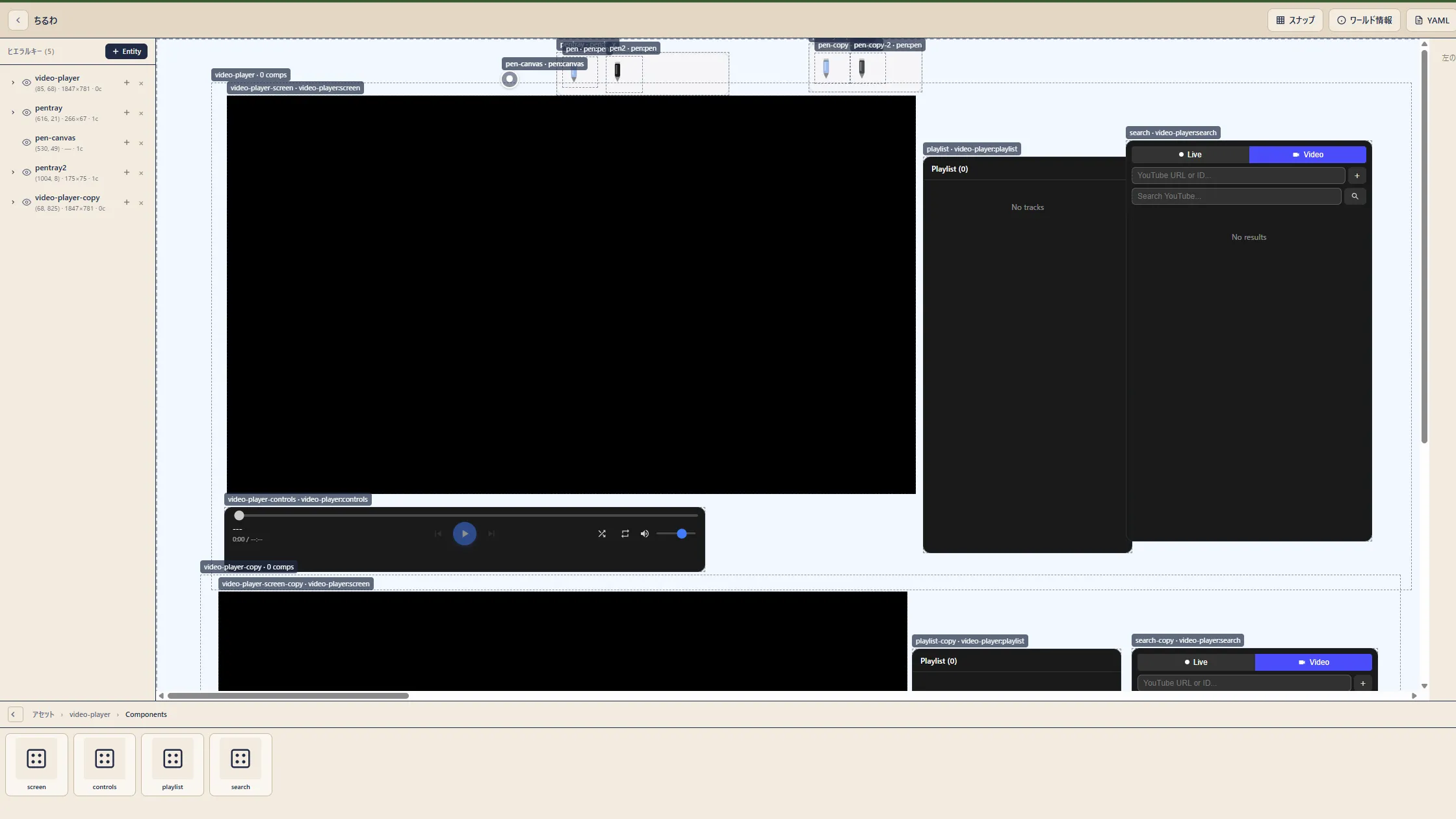
エディタで置くだけ。裏は同じ YAML。
kind: World
metadata: { name: chill-room }
spec:
  dependencies:
    - name: pen
- name: video-playerワールドは YAML、mod は TypeScript。AI にも頼める。
人・部屋・作品が、それぞれの場所にあってつながる。
ワールドも mod も URL。どこに置いても、署名で本物とわかる。
開けば、だれでも入れる。
サーバーは秘密鍵を預からない。
改ざんとなりすましを見分ける。
Git で管理して、持ち出せる。
TypeScript で書いて、Worker のサンドボックスで動く。
const like = Ubi.state.define({
  count: Ubi.state.sync(0),
});

export default function LikeButton() {
  return (
    <button onClick={() => like.local.count++}>
      いいね {like.local.count}
    </button>
  );
}ubichill dev 手元で動かす ubichill build ビルド ubichill login 公開の準備 ubichill publish 署名して公開 ubichill ci create CI から公開 人も、部屋も、作品も、それぞれの場所に。
@yokan @yokan.example
chill-room @ubichill.com
mio.dev /mods/like/
helm install ubichill ubichill/ubichill -n ubichill \
--create-namespace --set global.domain=your.server @[email protected] で検索すると、自己紹介と作ったワールドが出てくる。
ubichill からフェディバースへの投稿も、これから。
デモを動かすためのワールド
Ubichill公式のホームワールド
自機をクリックして搭乗。矢印キーで移動・自動射撃、Escapeで降りる弾幕シューティングのデモ
mod に同梱した WASM で、同梱アセットと外部から取得したバイト列のチェックサムを計算するサンプル
ubichill.com の公開ワールドから。
